
Review this scenario
Retail POS, inventory and CRM
Retail needs fast checkout, clear stock, receiving, suppliers, customer profiles and promotions without turning daily work into manual reconciliation.
Retail needs fast checkout, clear stock, receiving, suppliers, customer profiles and promotions without turning daily work into manual reconciliation.
Before implementation, data is often spread across chats, spreadsheets, separate POS tools, calendars and personal employee phones. Managers do not see the full picture, owners cannot easily understand process profitability, and customers receive a fragmented experience.
After implementation, one object — an order, customer, task, supply or booking — moves through the required steps. Staff work in role-specific interfaces, while the business gets control, history and analytics without manually rebuilding the data.
The main result is less manual work and fewer gaps between teams. The customer sees a clear journey, staff see the next action, and the owner sees the entire process.
• Catalog, product categories, taxes and units stay structured.
• Receiving goods, inventory counts and write-offs update operational stock.
• Customer profiles, payments and marketing actions support repeat purchases.
Retail problems usually appear when sales and stock are not connected. Products are sold at the register or on the website, but receiving, write-offs, supplier requests and inventory counts are handled later in a separate process. This creates wrong availability, manual reconciliation and weak reporting. SABSUS is built to connect catalog, sales, stock and customer data.
A store can manage products, categories, units of measurement, taxes, images, prices, stock quantities and supplier operations. When goods arrive, the receiving workflow records expected and actual quantities. When stock is written off, the reason and photo can be stored. When a customer buys through the web catalog or POS, the order remains connected with the customer profile and payment. For grocery delivery, products, additional items, pickup, delivery and customer profile can work together in the same structure.
The business gets fewer stock mistakes, faster purchasing decisions and a clearer view of what actually sells, what is stuck, what should be reordered and which customers are returning.
These screenshots show the specific SABSUS workflows relevant to this scenario.
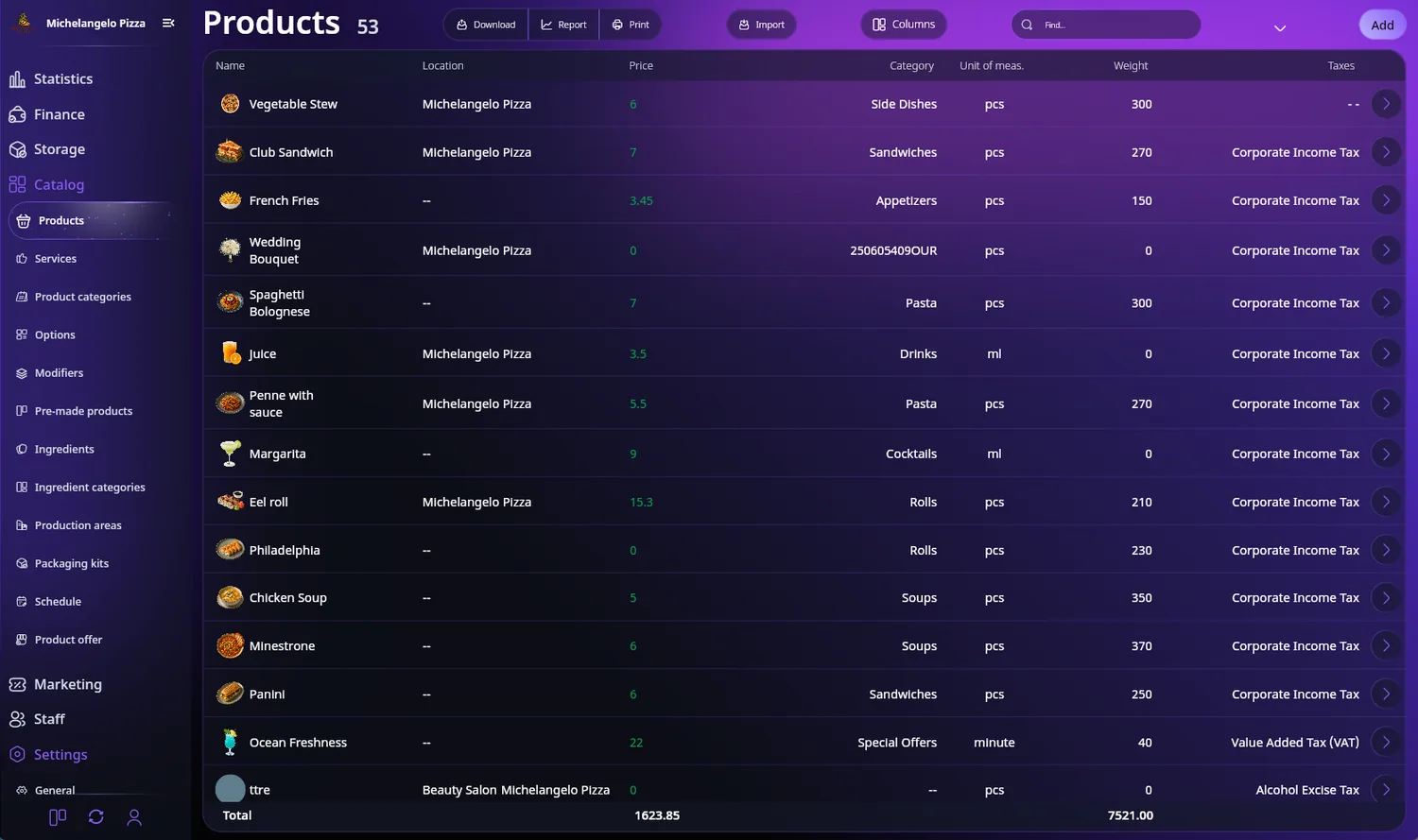
Catalog management with prices, taxes and units
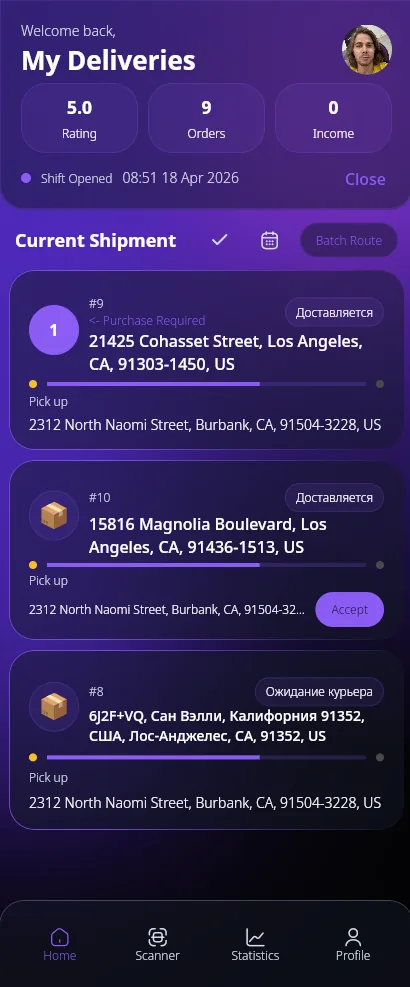
Stock write-off and inventory controls
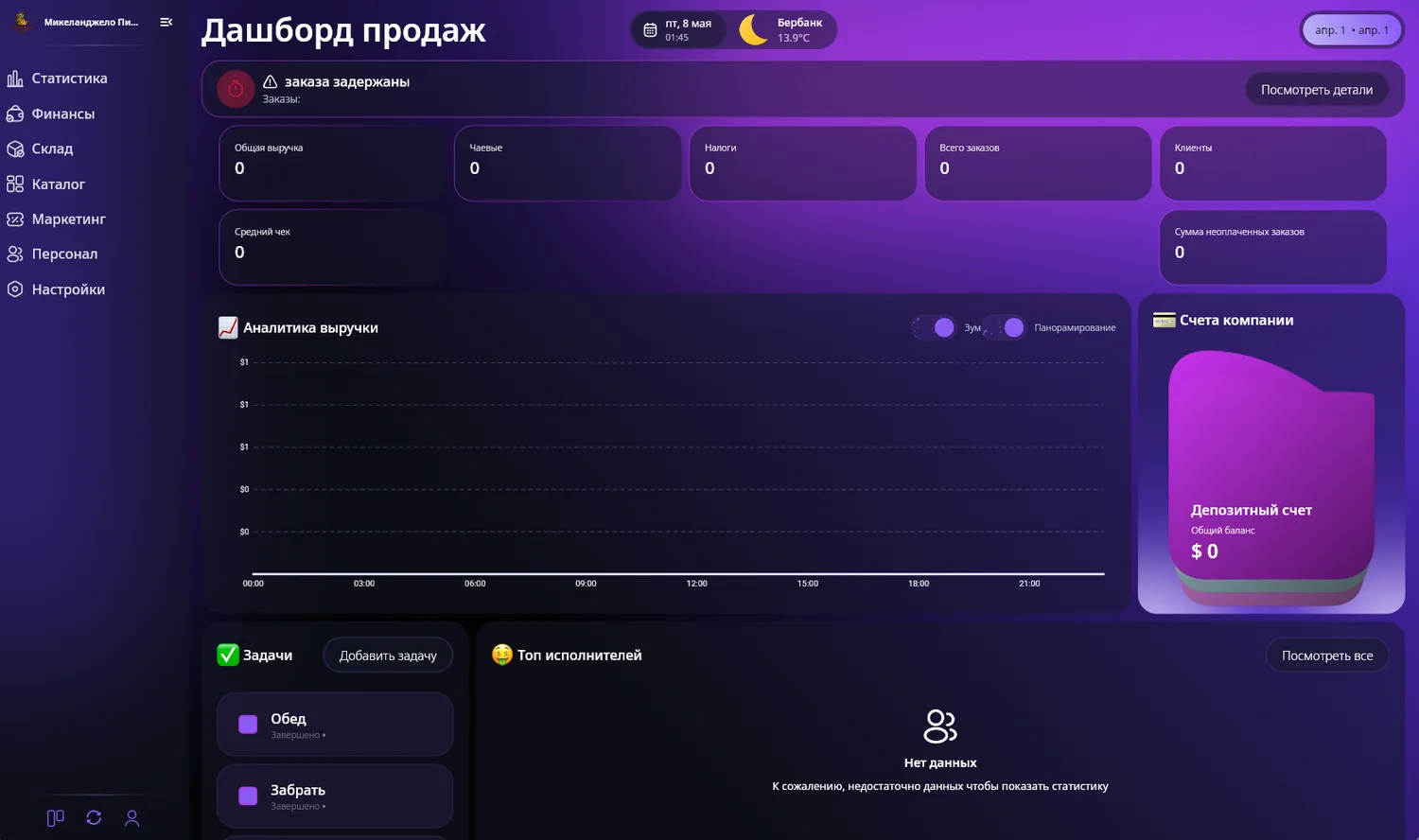
Revenue, orders, tasks and company accounts
Product interface preview
Select a plan, leave your contacts, and we will review your business: which modules to launch first, which workflows matter most, and which implementation model fits.