
Review this scenario
Service business CRM and booking platform
Service businesses lose money when booking, payments, staff schedules, reminders, documents and follow-up tasks live in different tools.
Service businesses lose money when booking, payments, staff schedules, reminders, documents and follow-up tasks live in different tools.
Before implementation, data is often spread across chats, spreadsheets, separate POS tools, calendars and personal employee phones. Managers do not see the full picture, owners cannot easily understand process profitability, and customers receive a fragmented experience.
After implementation, one object — an order, customer, task, supply or booking — moves through the required steps. Staff work in role-specific interfaces, while the business gets control, history and analytics without manually rebuilding the data.
The main result is less manual work and fewer gaps between teams. The customer sees a clear journey, staff see the next action, and the owner sees the entire process.
• Clients can book services through a customer-facing flow.
• Employees and services can have schedules, available slots and appointment rules.
• CRM tasks, reminders, deposits and documents are attached to the client and order.
A service company depends on time, staff availability and follow-up quality. A booking is not just a calendar event. It can include a selected service, preferred employee, duration, price, deposit, reminder, customer note, document, payment and next task. When these details are split between a calendar, phone messages and a payment tool, the business loses control over capacity and client history.
SABSUS connects booking and CRM logic. A client can start from a service catalog, a manager can create or update a lead, and the team can see available slots based on schedules and rules. After the service is booked, the business can collect a deposit, send a reminder, create a task, attach a document, and keep the communication history inside the client profile. This is useful for salons, rental services, repair companies, consultants, event services and other businesses where time and customer relationship matter.
The result is a service workflow where the customer can book easily, the employee sees the next appointment, and the owner can understand workload, revenue, missed opportunities and repeat business.
These screenshots show the specific SABSUS workflows relevant to this scenario.
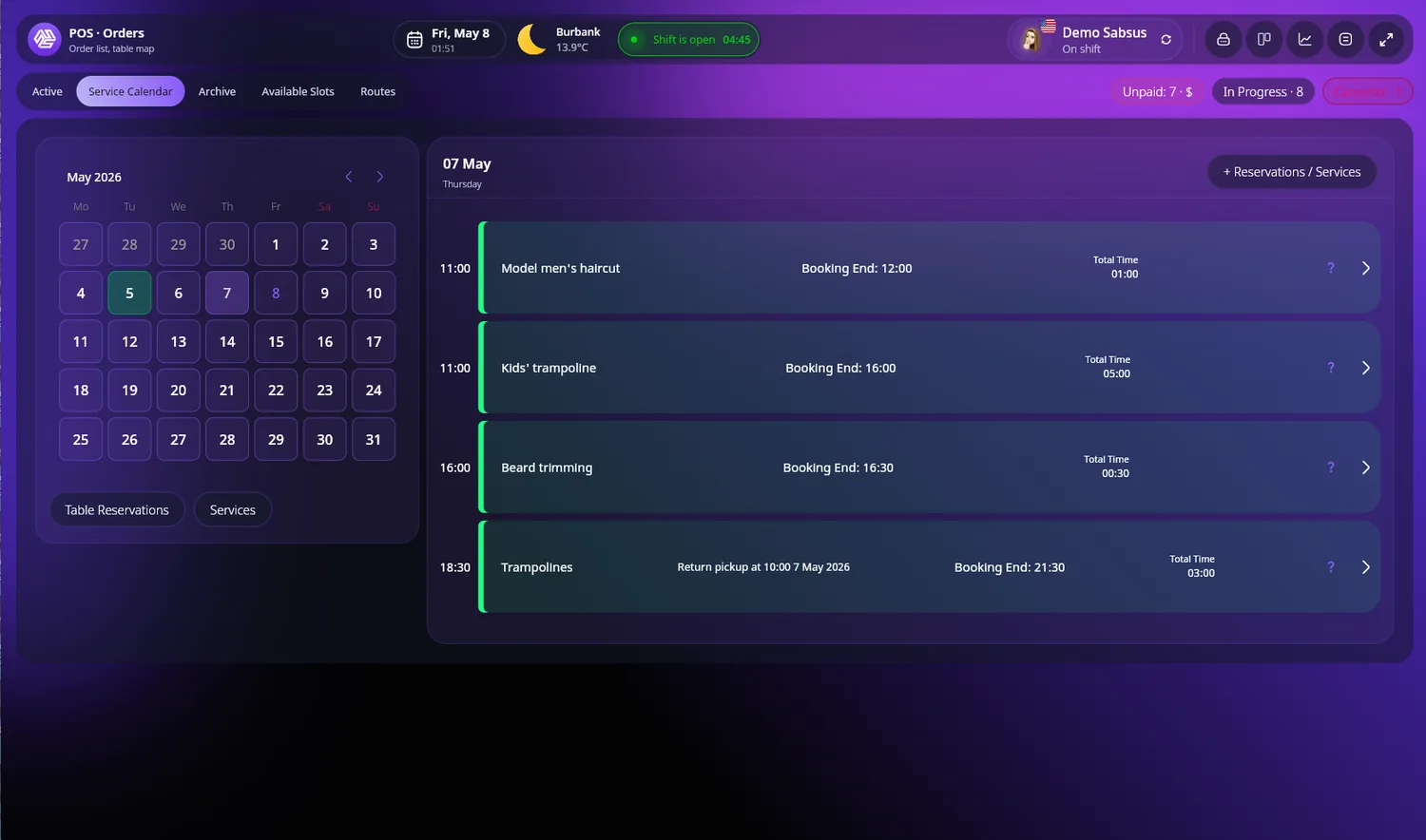
Service bookings and reservations calendar
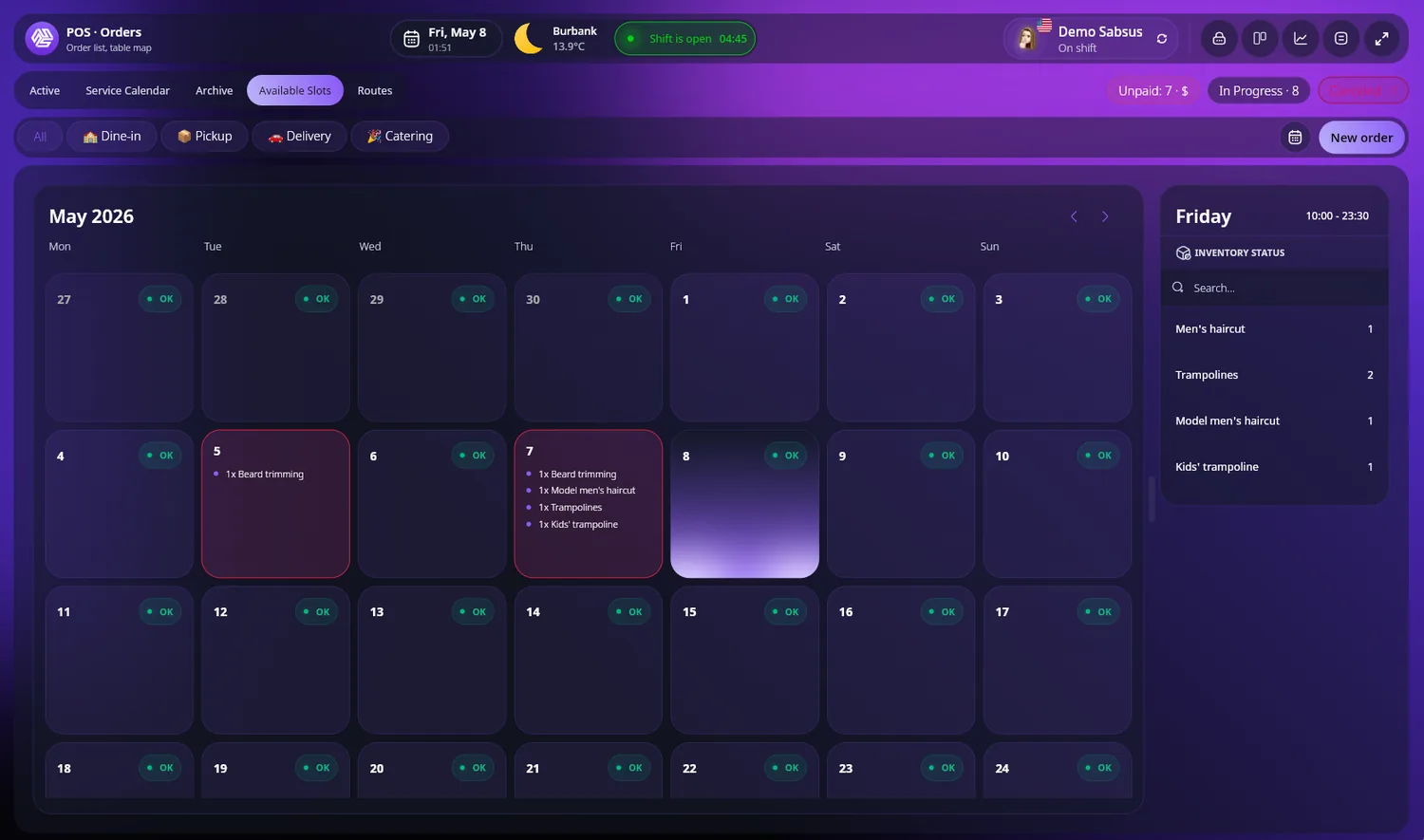
Inventory-aware service slot availability
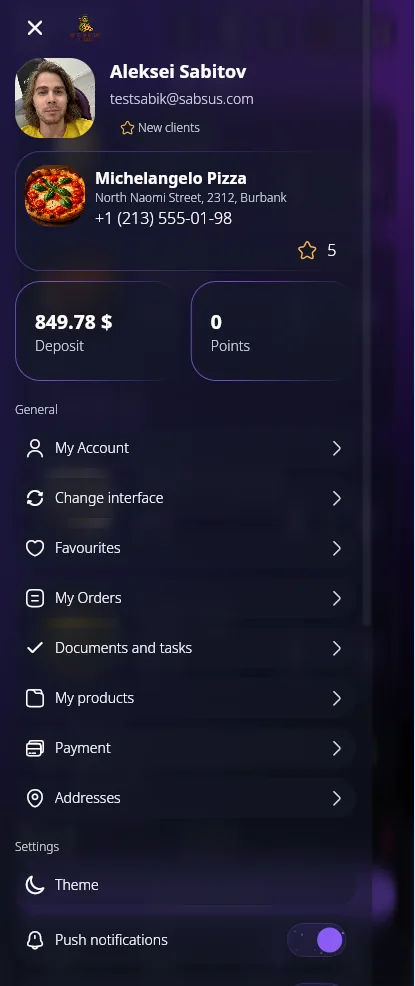
English document designer
Product interface preview
Select a plan, leave your contacts, and we will review your business: which modules to launch first, which workflows matter most, and which implementation model fits.